
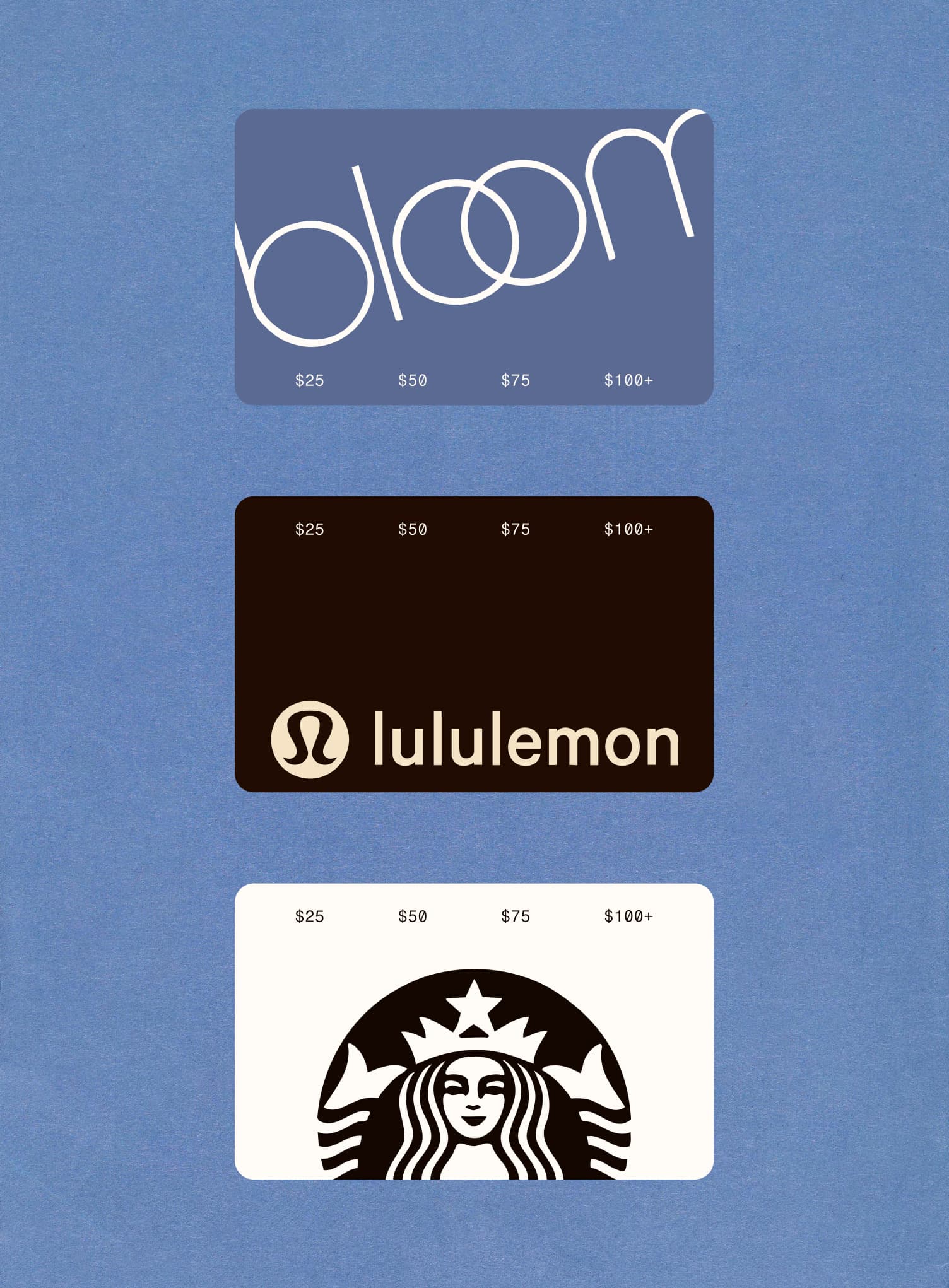
Mailing a gift card is a lot of effort for something that usually arrives late, gets lost, or ends up in a junk drawer. Email is faster, but a code dropped in an inbox doesn't feel like much of a gift. There's a better way.
Sending a gift card via text — especially with a real greeting card attached — takes about two minutes and feels significantly more intentional than both options. Here's everything you need to know.
Can You Send a Gift Card via Text?
Yes. And the experience has gotten a lot better in recent years.
The simplest way is through an app like Givingli, which lets you pick from hundreds of gift cards, design a greeting card around it, and send it directly to someone's phone number as a text. They get a link, tap it, see your card, and claim their gift. No email required, no physical card to track down.
Other options include buying digital gift cards directly from retailers (Amazon, Starbucks, Target, etc.) and forwarding the code in a text yourself — but that approach skips the card entirely and can feel like an afterthought.
How to Send a Gift Card via Text on Givingli
Step 1: Open Givingli Download the app on iOS or Android, or go to givingli.com. You don't need to create an account to get started.
Step 2: Pick a gift card Givingli has hundreds of options — Starbucks, Sephora, DoorDash, Target, Uber Eats, Nike, and more. Search by name or browse by category.
Step 3: Choose your amount Most cards start at $10. Pick whatever works for your budget.
Step 4: Design your greeting card Here's where Givingli does something different. You get a real card builder — choose a design, write a personal message, and add photos if you want. It looks like a greeting card, not a text field.
Step 5: Enter their phone number and send They'll get a text with a link to open their card. They see your message first, then claim the gift. The whole experience takes less time than finding a parking spot.
Which Gift Cards Can You Send via Text?
On Givingli, you can send gift cards from hundreds of brands. Popular options include:
- Restaurants: DoorDash, Uber Eats, Starbucks, Chipotle
- Shopping: Amazon, Target, Walmart, Nike, Sephora
- Entertainment: Netflix, Spotify, Apple, Google Play
- Experiences: Airbnb, Lyft, Delta
If someone has a favorite brand, there's a good chance it's in the catalog. Not sure what to get? A general Visa or Mastercard prepaid card works for everyone.
Sending a specific brand? We have step-by-step guides for DoorDash gift cards and Sephora gift cards, too.
When Sending a Gift Card via Text Makes Sense
Gift cards via text work especially well when:
You're short on time. Birthdays sneak up on everyone. Texting a gift card takes two minutes and arrives instantly.
They're not local. Long-distance relationships, remote colleagues, friends who moved away — a text delivery doesn't care about geography.
You're not sure what to get. Gift cards give people the freedom to get what they actually want. That's not lazy; that's thoughtful.
You want to send something to multiple people. Texting gift cards to a whole group (a team, a friend group, a class) is easy to do at once.
Why the Greeting Card Changes Everything
Most gift card apps skip the card entirely. You pick an amount, enter a phone number, and that's it. The recipient gets a link and a code. It works, but it doesn't feel like a gift.
Givingli was built on the idea that the card is what makes it feel real. Before your recipient even sees what you sent them, they see a greeting card you designed with a message you wrote. That context — "this is why I'm sending this" — is what turns a transaction into something people actually remember.
It's the same gift. It just feels different.
Sending Gift Cards to a Group via Text
If you want to send the same gift card to multiple people — for a birthday party, a remote team, a graduating class — Givingli supports bulk sending. Same card design, same message, delivered to everyone's phone without doing it one by one. It's one of the features people don't know about until they need it, and then they wonder how they ever did it another way.
Ready to send your first gift card via text? Try Givingli — free to get started →
All articles